 Jopiggy Tools
 Security & Passwords
Generate cryptographically secure random passwords with customizable length, character types, and ambiguous character exclusion. All processing stays in your browser.
Strong passwords are your first line of defense against unauthorized access. Our password generator creates cryptographically secure random passwords right in your browser, giving you complete control over length, character types, and readability. No sign-ups, no server-side processing — just secure passwords generated locally on your device.
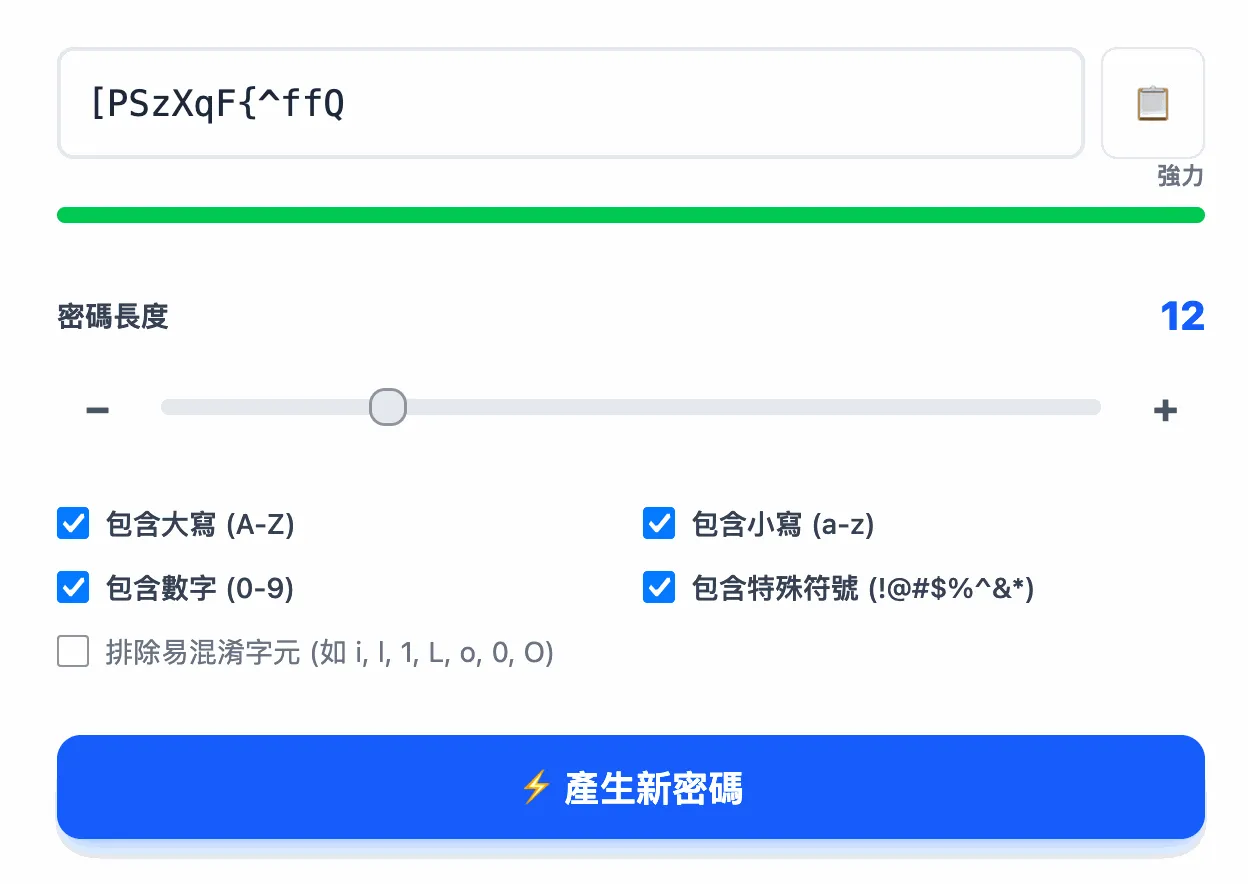
In today's digital landscape, weak passwords remain the leading cause of data breaches. Over 80% of hacking-related breaches involve weak or stolen passwords. Attackers use automated tools for brute force and dictionary attacks, cracking simple passwords like 123456 or password in seconds. A strong password — at least 12 characters with a mix of uppercase, lowercase, numbers, and symbols — is your most effective defense.
Our password generator uses the Web Crypto API (crypto.getRandomValues()), the industry standard for cryptographically secure random number generation in browsers. Unlike Math.random(), it draws entropy from the operating system's low-level sources. All generation happens locally in your browser — your passwords never travel over the network or get stored on any server. Close the page and everything disappears.
Additional features include adjustable length (6-32 characters), character type selection, ambiguous character exclusion (e.g., l/1, O/0), real-time strength indicator based on entropy calculation, and a temporary history that stores your last 5 generated passwords within the current browser session.